Skip to content

AI customer support automation for Shopify stores

AI customer support automation for Shopify stores

AI customer support automation for Shopify stores reduces repeated inbox work without turning support into a risky black box.

Best fit for Shopify stores with repeat shipping, returns, order-status, or pre-sale questions where slow replies already cost revenue or goodwill.

The short answer

What matters most.

The best first support automation is usually not a fully autonomous bot. It is a controlled workflow that classifies the ticket, drafts the first reply, pulls order context, and routes risky cases to a human fast.

  • Shopify teams with 100+ tickets a month usually feel this first in shipping, returns, order-status, and repeat product questions.
  • A strong first version classifies the inbox, drafts common replies, and hands risky cases to a human.
  • The main gain is faster first response without burying the team in repetitive work.
  • If the workflow is still fuzzy, start with the advisory call. If the pattern is obvious, move straight into the support build.

Why this matters now

Service teams are already leaning on AI to handle rising expectations, not just to cut cost.

Support buyers do not need a lecture on whether AI matters. They need a workflow that protects response time, routes risk correctly, and leaves a clean review path.

Source · Salesforce State of Service 2024

Google says clicks from AI-generated search experiences can be higher quality, with users more likely to spend more time on site.

This page should qualify serious buyers quickly, answer the operational questions directly, and route them to the right offer with minimal friction.

Source · Google Search Central AI features guide
Buyer fit

Best fit

  • • Support teams handling repeated order-status, returns, or shipping questions every day.
  • • Brands whose agents already copy the same answer patterns with slight variations.
  • • Operators who want faster first response but still want human review on refunds, fraud, or sensitive edge cases.

Not the best fit

  • • Stores with very low ticket volume where automation overhead exceeds the gain.
  • • Teams wanting a fully autonomous refund or escalation system on day one.
  • • Brands with no usable help center, macros, or policy clarity yet.

Breakdown

What usually breaks first

The inbox fills with repeated tickets long before the team formalizes the pattern. Too much time goes into re-reading the same context and rewriting the same answers.

What support automation should own

Classification, order-context lookup, draft generation, and clean routing into the right lane: safe to send, safe to review, or human only.

Where teams overreach

They try to automate everything too early. Refund disputes, edge-case escalations, and sensitive customer situations still need clear human review rules.

Why Shopify teams buy this

They want faster first response and less repetitive work without lowering quality. The page should make that outcome obvious fast.

What breaks first

  • • Agents waste time re-reading the same order context and rewriting the same answer patterns.
  • • Slow first response harms conversion on pre-sale questions and increases frustration on post-purchase issues.
  • • Escalations become messy because the context is not structured before handoff.

What the workflow should do

  • • Pull order, shipping, and policy context into one support view.
  • • Classify intent and urgency before a human opens the ticket.
  • • Draft reusable first responses with explicit handoff paths for risky cases.

Representative proof

The support service already sells the right outcome

The support automation offer is already framed around repeated inbox questions, triage, drafting, and human handoff. That is exactly what a Shopify buyer needs to see here: faster support without giving up control.

Open the support automation service

FAQ

Should a Shopify support automation send replies automatically?

Only for narrow categories with clear policy boundaries. Most teams should start with classification and draft generation, then selectively automate low-risk sends once the review path is stable.

What data should the workflow pull into the reply?

At minimum: order status, shipping milestones, return policy logic, SKU context, and the customer’s prior conversation history if it changes the response.

When is a full AI Sprint better than the support package?

When the support workflow depends on multiple operational steps beyond the inbox, such as fulfillment systems, CRM actions, analytics, or cross-functional follow-up.

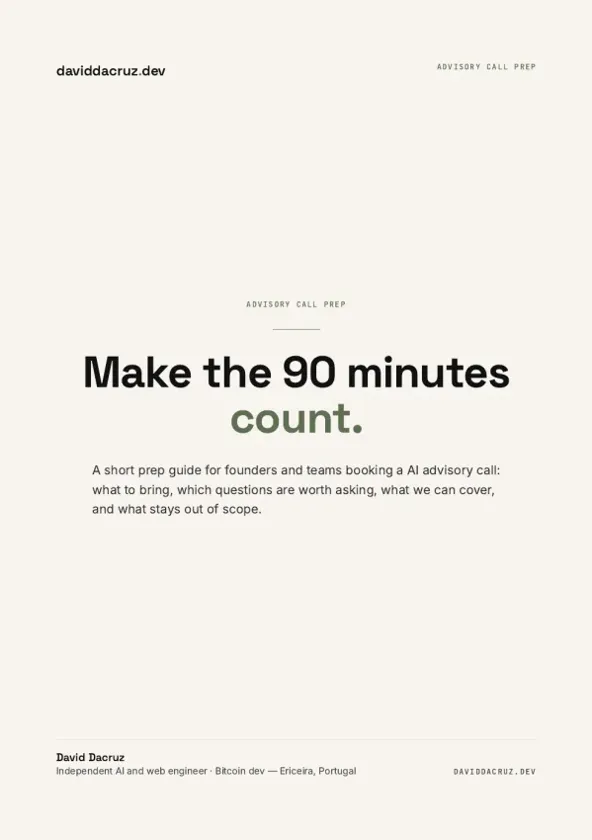
AI Advisory Call Prep Guide — PDF cover

Free PDF

AI Advisory Call Prep Guide

Make the 90 minutes count.

6 pages · PDF Inside:

  • A concise prep guide for founders
  • teams booking an AI advisory call: what to bring
  • which questions are worth asking
  • what we can cover
  • and what stays out of scope

Quick breakdown of the workflows, stack choices, and where the hours come back first.

Next step

Replies in ~24h

Need the support workflow mapped against your actual inbox?

The advisory call is where I help separate what should be automated now from what still needs a human, then choose the smallest useful build.