Is support automation the same as a support bot?
No. A bot can be one part of support automation, but the bigger system usually includes triage, routing, tagging, context lookup, drafting, and human handoff rules.
Definition · support ops
Support automation is the use of software, rules, and sometimes AI to remove repetitive work from customer support without losing control over quality or escalation. It covers intake, classification, routing, drafting, tagging, status updates, and certain low-risk replies.
The short answer
Good support automation removes repetitive handling from the team. Bad support automation hides unresolved issues behind a bot and makes customers work harder to get help.
Buyer fit
Breakdown
Ticket classification, urgency hints, FAQ replies, order-status pulls, tagging, routing, and first-draft responses are usually the first wins because they repeat constantly and follow stable rules.
Edge cases, emotionally sensitive conversations, policy exceptions, refunds with ambiguity, and any conversation where the cost of a confident mistake is high should stay under human control.
Many teams start with the bot instead of the workflow. If categories are unclear, macros are weak, or escalation rules are missing, the automation simply makes the confusion happen faster.
Faster first response, fewer repetitive touches, cleaner queue ownership, and a support team that spends more time on exceptions and revenue-sensitive cases.
What breaks first
What the workflow should do
Representative proof
The support-automation service already packages triage, routing, drafting, and handoff logic as an operational build. This page gives the plain-English definition a buyer or operator would search for before they are ready to purchase.
See the support-automation serviceFAQ
No. A bot can be one part of support automation, but the bigger system usually includes triage, routing, tagging, context lookup, drafting, and human handoff rules.
Usually triage and first-draft assistance. Those reduce repetitive handling without creating the risk of a fully autonomous front line too early.
It fails when categories are fuzzy, the knowledge base is weak, escalation is unclear, or the team expects the model to fix a broken support process on its own.
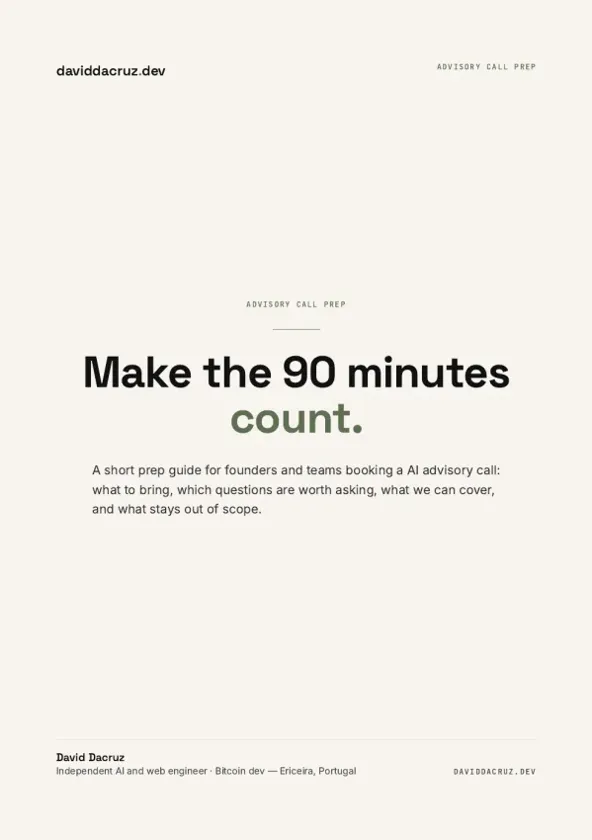
Free PDF
AI Advisory Call Prep Guide
Make the 90 minutes count.
6 pages · PDF Inside:
Quick breakdown of the workflows, stack choices, and where the hours come back first.