AI productivity gains show up most clearly when repeated knowledge work becomes faster operational decisions.
Churn detection works when it shortens the path from scattered customer signals to a useful next move.
Source · PwC AI Jobs Barometer 2024AEO funnel · churn workflow
Churn detection automation is useful when it helps the team intervene earlier with clearer reasons, not when it produces one opaque risk score nobody trusts.
For B2B SaaS teams already watching usage, support, billing, or success signals manually and needing a better early-warning workflow.
What I would check first
A good churn workflow does not only rank risk. It turns scattered signals into a clearer next action while there is still time for a human to change the outcome.
Why this matters now
AI productivity gains show up most clearly when repeated knowledge work becomes faster operational decisions.
Churn detection works when it shortens the path from scattered customer signals to a useful next move.
Source · PwC AI Jobs Barometer 2024Customers expect coherent experiences across the lifecycle.
A churn workflow should combine product, support, and account context so intervention feels informed rather than reactive.
Source · Salesforce State of the Connected CustomerFit check
Working notes
Usage drops, stalled onboarding, rising support friction, billing anomalies, feature abandonment, and any signal that changes the probability that an account quietly slips away.
Not just a risk score, but the likely reason, the owner, the urgency, and the next best action. Otherwise the team gets another dashboard instead of a better system.
The actual save conversation, commercial judgment, and relationship nuance. The workflow should prepare those moments better, not remove the people from them.
Sell earlier visibility, explainable risk handling, and better intervention timing. That lands better than a vague promise to “predict churn with AI.”
What breaks first
What should change
Representative proof
Churn detection is already a named service in the site architecture. This page makes it more discoverable as a high-intent, conversion-focused buying page.
Open proof pageFAQ
Usually usage decline, stalled onboarding, support friction, billing anomalies, feature drop-off, and account notes that help explain why the risk matters.
No. It should surface risk and prepare the next action clearly. Human teams should still own save strategy, pricing calls, and relationship-sensitive decisions.
If the team sees risk earlier, understands why the account is at risk faster, and intervenes with more consistency. A black-box score with no behavior change is not enough.
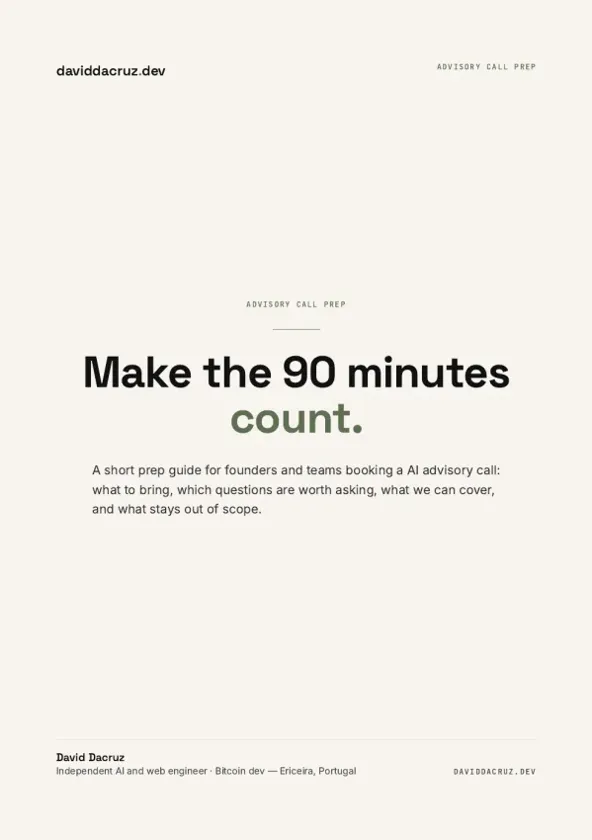
Free PDF
AI Advisory Call Prep Guide
Make the 90 minutes count.
6 pages · PDF Inside:
Quick breakdown of the workflows, stack choices, and where the hours come back first.