Service teams are using AI to manage rising expectations and improve productivity.
Here, the work is to sell triage quality and queue control, not a fantasy of replacing the support team.
Source · Salesforce State of Service 2024AEO funnel · SaaS support ops
Support triage automation is usually the strongest first support workflow because it improves every downstream action without pretending the model should own every final reply.
For SaaS support teams dealing with repeated ticket categories, fuzzy queue ownership, and too much manual classification before the right person can act.
What I would check first
The right first build classifies the ticket, detects urgency, gathers account context, drafts the first response posture, and routes the case into the right queue before human time is spent badly.
Why this matters now
Service teams are using AI to manage rising expectations and improve productivity.
Here, the work is to sell triage quality and queue control, not a fantasy of replacing the support team.
Source · Salesforce State of Service 2024Customers expect consistent experiences across teams and touchpoints.
Support triage is a strong conversion wedge because it directly affects how coherent the customer experience feels once the ticket lands.
Source · Salesforce State of the Connected CustomerFit check
Working notes
Triage improves everything that happens after it. When classification, urgency, and routing are cleaner, the human team spends more time solving and less time figuring out what the ticket is.
Ticket category, urgency, owner, response posture, and whether the case belongs in a human-only lane. That is enough control to matter without overreaching into judgment-heavy handling too early.
Category fuzziness, weak knowledge sources, and missing escalation rules. These failures are often process problems before they are model problems.
Sell queue quality, first-response improvement, and safer human handoff. Technical buyers can defend those outcomes internally more easily than a vague promise about AI support replacing the team.
What breaks first
What should change
Representative proof
The existing AI Customer Support page and the support-triage definition page already frame support automation around classification, first-response drafting, and human handoff. This landing page turns that into a direct buying page for triage specifically.
Open the support triage definitionFAQ
Triage automation improves classification, routing, urgency handling, and draft preparation. A bot usually implies end-user conversation. Triage is the control layer behind the conversation.
Ticket text, account tier, past support history, product area, known outage or billing context, and team-defined urgency markers that change routing.
If first-response time improves, queues are cleaner, repeat categories take fewer touches, and edge cases reach the right humans earlier.
Free PDF
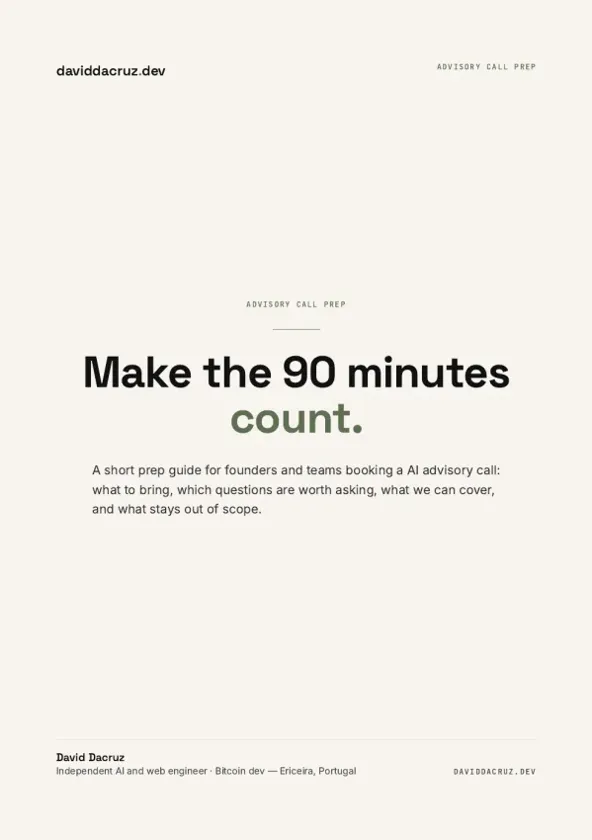
AI Advisory Call Prep Guide
Make the 90 minutes count.
6 pages · PDF Inside:
Quick breakdown of the workflows, stack choices, and where the hours come back first.