Service teams are using AI to absorb rising customer expectations and reduce low-value repetition.
The buyer story should center on queue control and response quality, not generic AI novelty.
Source · Salesforce State of Service 2024AEO funnel · WooCommerce support
Automate repetitive support work in WooCommerce without creating a brittle bot that breaks on order edge cases.
For WooCommerce stores with recurring shipping, returns, order-status, or product-fit questions and enough ticket volume that manual triage already costs real time every week.
The short answer
The best first build is a support workflow that reads WooCommerce order context, classifies the request, drafts the response, and routes exceptions for review before anything risky is sent.
Why this matters now
Service teams are using AI to absorb rising customer expectations and reduce low-value repetition.
The buyer story should center on queue control and response quality, not generic AI novelty.
Source · Salesforce State of Service 2024Customers expect more consistent, personalized interactions across touchpoints.
WooCommerce support automation needs order context and policy awareness or it will feel faster but less trustworthy.
Source · Salesforce State of the Connected CustomerBuyer fit
Breakdown
The issue is rarely that the questions are unique. It is that the context lives in too many places, so every repeated ticket still forces a human to reconstruct the situation before answering.
Classify the ticket, fetch order and fulfillment context, draft the first response, and route the ticket into the right lane: safe to send, safe to review, or human-only.
Order data, plugin sprawl, custom checkout logic, and inconsistent policy implementation often make direct automation brittle. That is why the first version should focus on context and routing rather than pretending every category is safe to automate fully.
The buyer needs to understand that this is not a chatbot vanity project. It is a queue-control and handoff-quality project with a smaller, safer first step.
What breaks first
What the workflow should do
Representative proof
The broader ecommerce-support parent page sells the category. This page is narrower: WooCommerce stores often have more plugin sprawl, custom checkout logic, and inconsistent policy implementation. That makes context gathering and review design the real buying problem, which is exactly why this page exists as a platform-specific variant rather than generic support copy.
Open the ecommerce support parent pageFAQ
Usually order status, shipping milestones, refund and return rules, customer notes, SKU context, and previous support history if it changes the response.
Only for narrow, low-risk categories once the routing and review logic is proven. Most teams should begin with draft generation and explicit review paths.
First-response time by category, percentage of tickets correctly classified, and percentage of tickets that still need manual context gathering before a useful reply can be written.
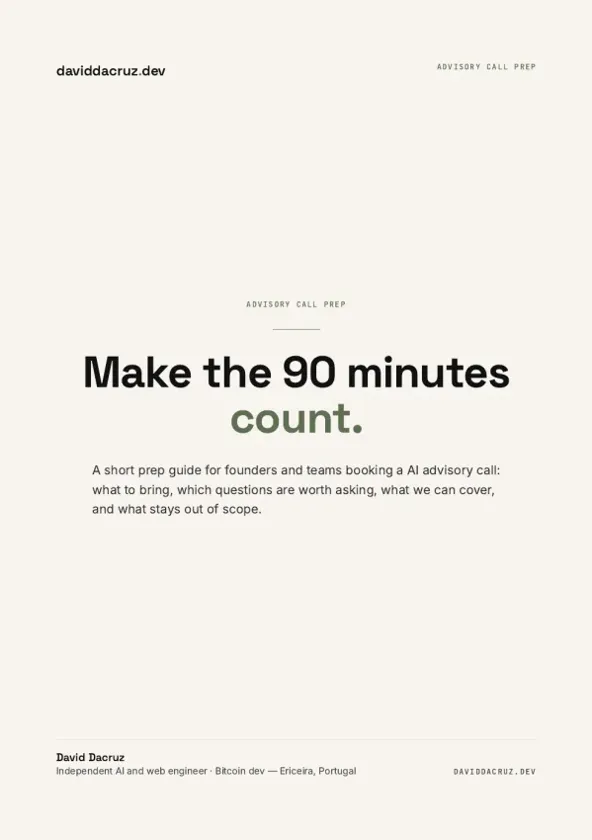
Free PDF
AI Advisory Call Prep Guide
Make the 90 minutes count.
6 pages · PDF Inside:
Quick breakdown of the workflows, stack choices, and where the hours come back first.