Can a chatbot become an agent later?
Yes. Many systems start as answer layers and later gain tool access, routing, or state changes. The important thing is to recognize when the risk model changes.
AI systems · definitions
Most teams say “agent” when they mean “chat interface with a prompt.” The distinction matters because the engineering, risk, and budget profile changes the moment the system starts taking actions instead of only producing text.
The short answer
A chatbot answers. An agent acts. If the system reads data, calls tools, updates state, or triggers workflows, you are in agent territory whether or not the UI looks like a chat window.
Buyer fit
Breakdown
Chatbots generate responses inside a conversation. Agents generate responses and also do work outside the conversation: fetching data, writing records, calling APIs, or coordinating steps.
A chatbot can be annoying. An agent can break something. That means agents need tighter permissions, stronger review paths, and much better logging.
The front-end can be identical. A support widget can look like a chatbot while actually being an agent under the hood because it classifies, routes, and updates systems after the user message lands.
Use a chatbot when the job is mostly answering. Use an agent when the job includes decisions, routing, or actions that save human time.
What breaks first
What the workflow should do
Representative proof
AI customer support, support automation, and the broader AI Automation Sprint all treat the workflow boundary seriously: some systems answer, some classify and route, and some actually trigger actions.
See the AI Automation SprintFAQ
Yes. Many systems start as answer layers and later gain tool access, routing, or state changes. The important thing is to recognize when the risk model changes.
Because the interface can look identical even when the system behind it is very different. The distinction only becomes obvious when tools, memory, or real actions are involved.
When the main task is answering repeat questions and the business does not need the system to fetch data, update systems, or trigger workflows beyond the conversation.
Keep reading
Free PDF
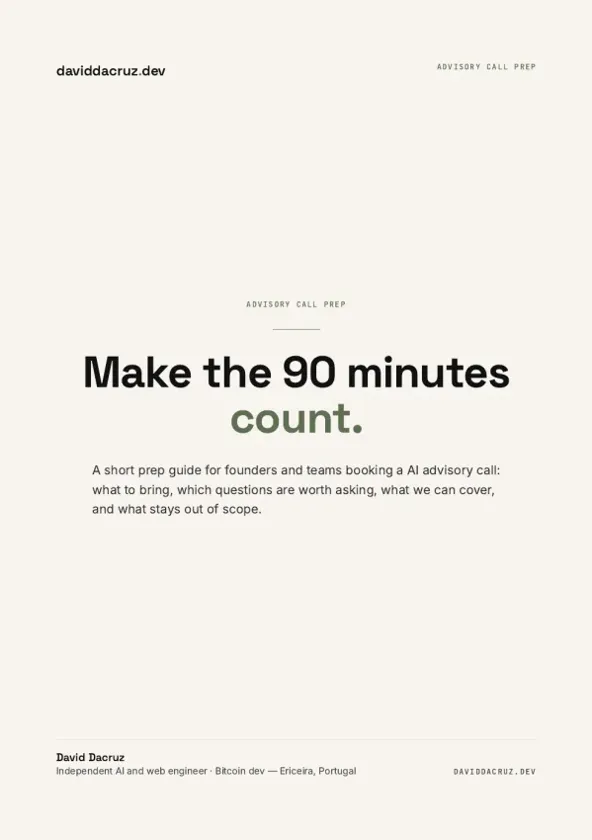
AI Advisory Call Prep Guide
Make the 90 minutes count.
6 pages · PDF Inside:
Quick breakdown of the workflows, stack choices, and where the hours come back first.